Apply and Register for a Travel Course
Important: If you have already submitted and received acceptance into JUC Travel Course, please log in to your JUC Portal and complete your registration for your next program. You will not submit another Travel Course application.
Travel Course Registration Guide:
1. Submit a Travel Course Application
Submit a Travel Course application online. Make sure all of your information is filled out completely and accurately.
2. Register for Specific Courses
If your application is accepted, you will receive a link to access your JUC Portal and register for your Travel Course of choice. Please log in to your JUC Portal with your JUC account email and password.
- Inside of your portal, click the Registration tab.

- Select Group Registration (if you are attending with a JUC-approved group) or Standard Course Registration (if you are attending individually).
- If you select Group Registration, enter the Group Code provided by your group leader.
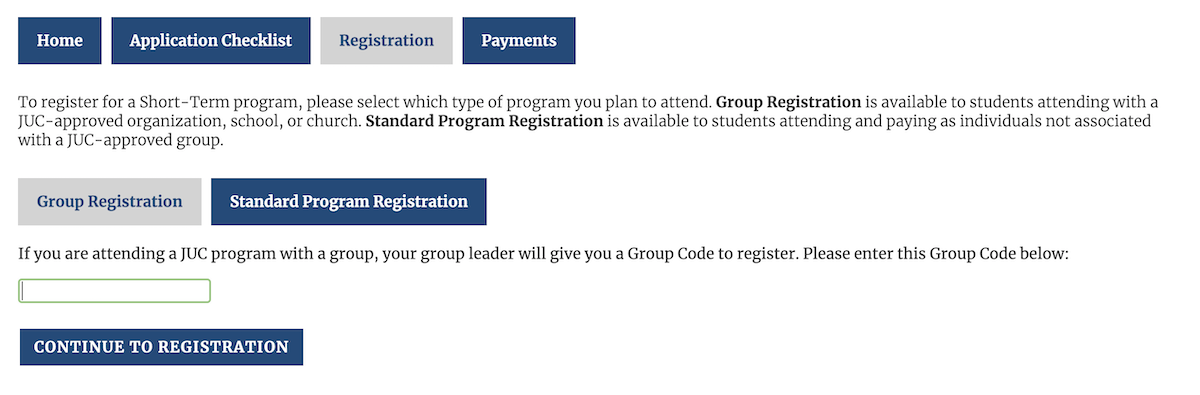
- If you select Standard Course Registration, click the course that you plan to attend.

- Finally, complete the registration form for your specific course.
Change Your Registration
To edit or cancel your registration, please contact Admissions at admissions@juc.edu.